I don’t seem to be able to change a cursor style (i.e. to pointer) when hovering over a list or list item. Am I missing something here?
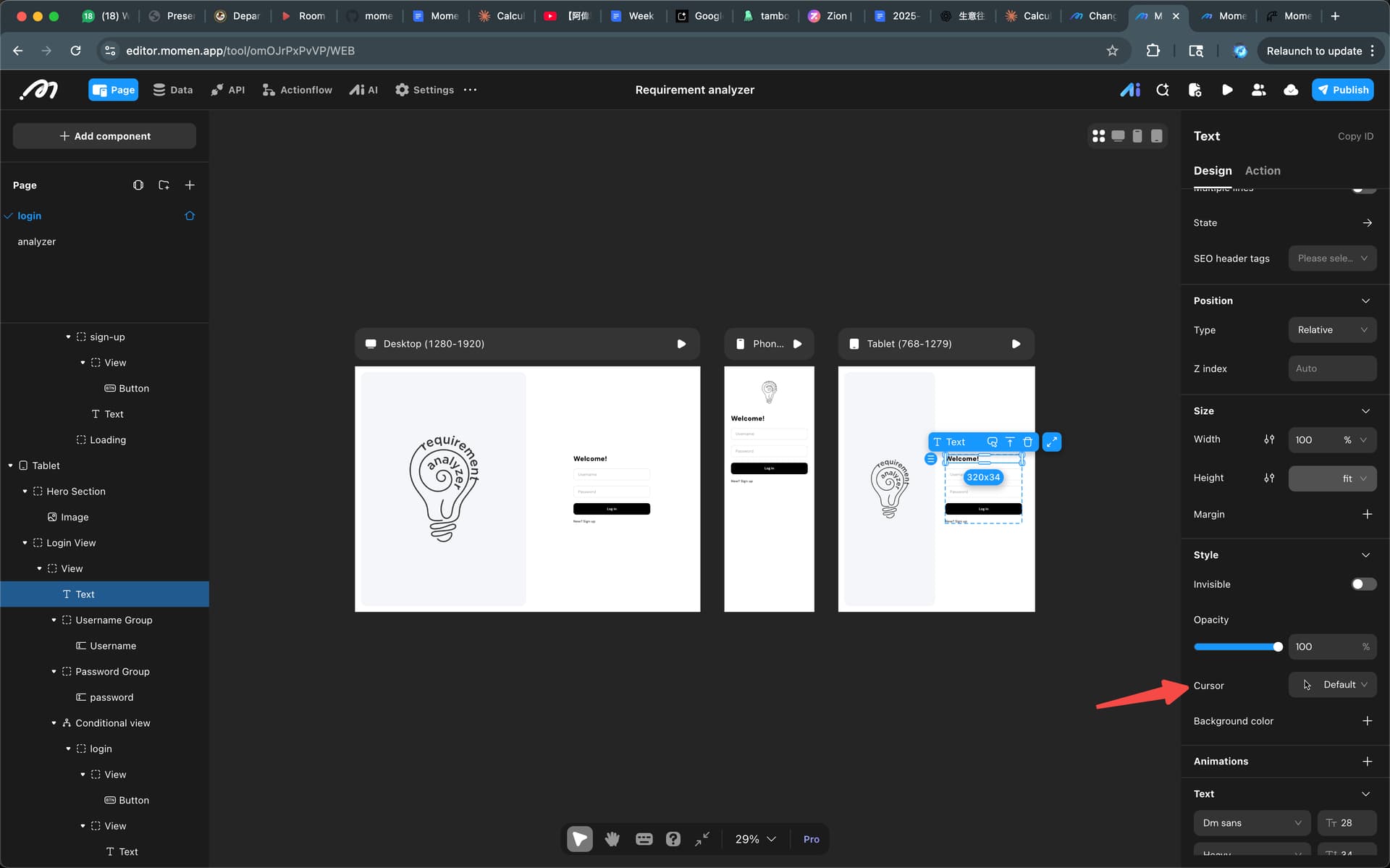
Yep, I see how to do it on a text component but I am trying to do it on a list item (box/view) so the cursor will give a visual indicator that this is clickable, etc…
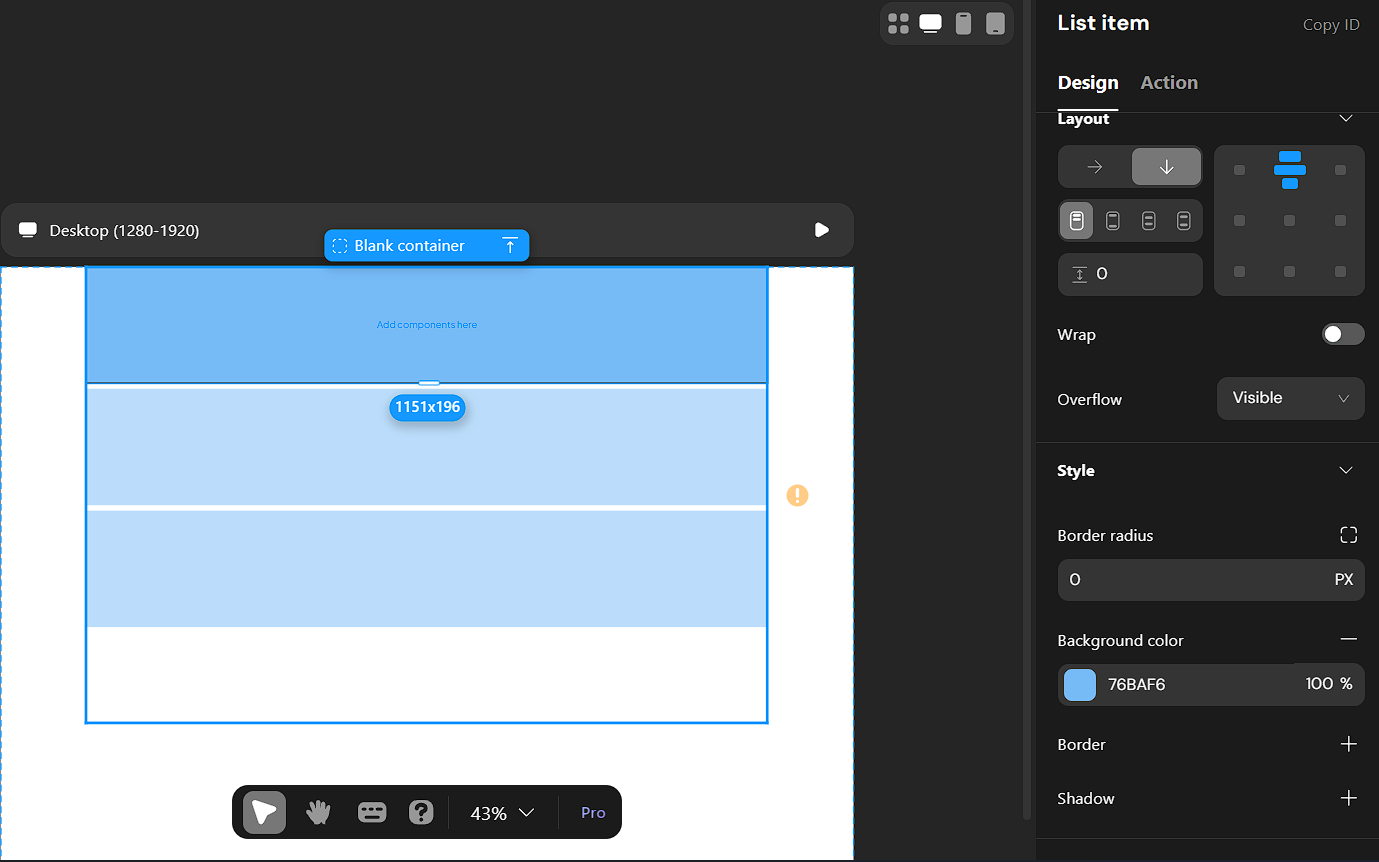
Ok, I have not had enough coffee this week.
Solution: place view inside list item - full width and height and cursor change is available.
This one is on me, apologies for a dumb question.
It is not you, blank container at the moment is not uniform with a normal view.
thank you for the sanity check.
now if we can only get the default Rich Text Editor font size to 16 instead of 22 (or tell me how to do it, ai gave bad info).
I am not even asking for ability to customize component at this point just some sort of consistency.