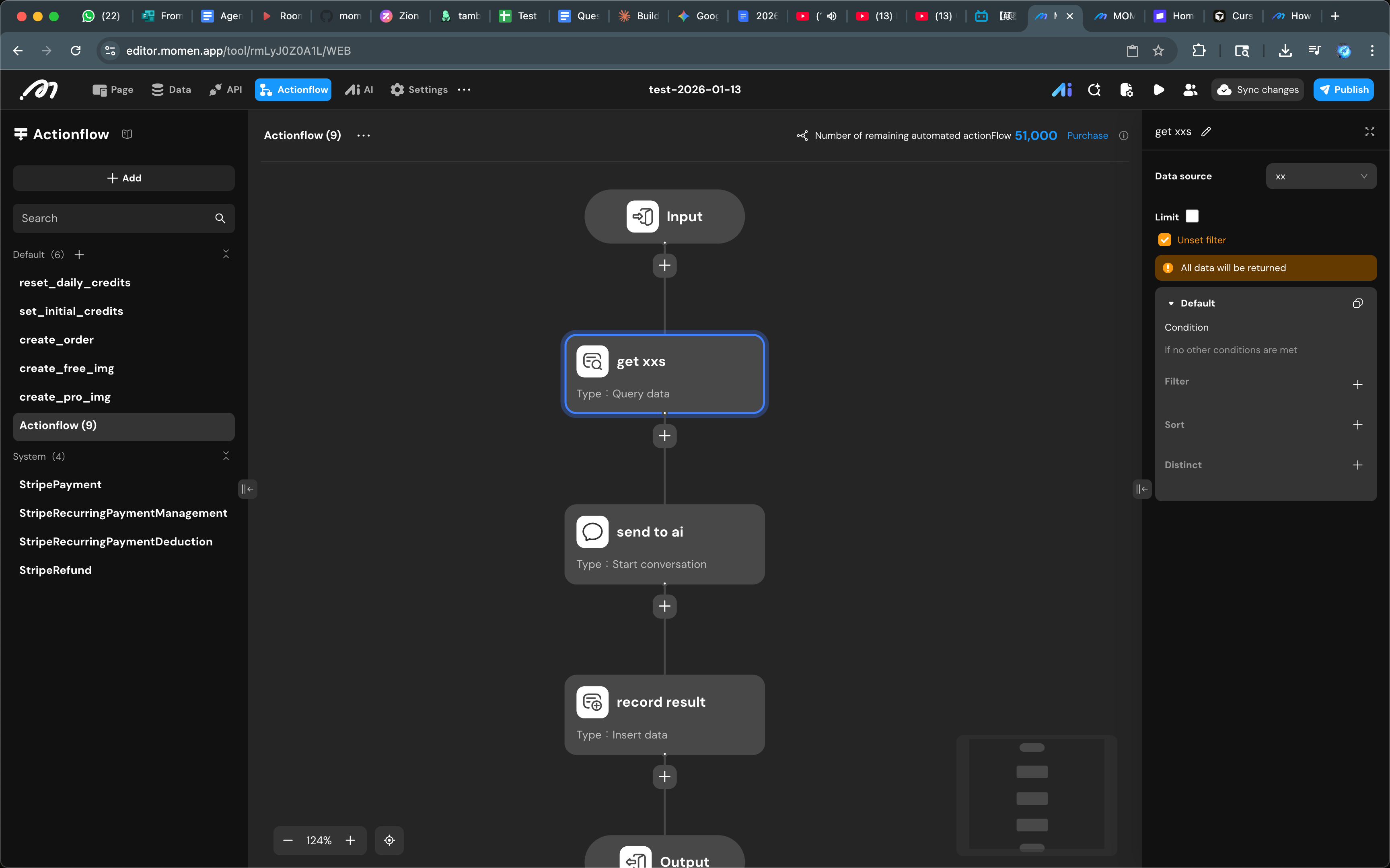
AI supports an array of images:
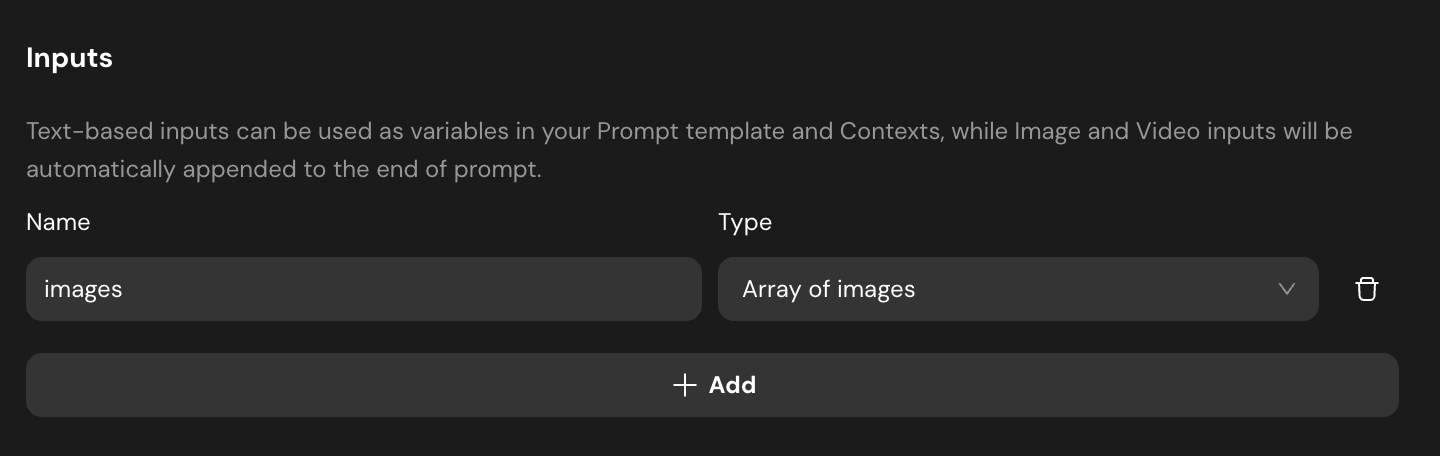
Actionflow doesn’t.
How to build an Actionflow to feed AI with multiple images?
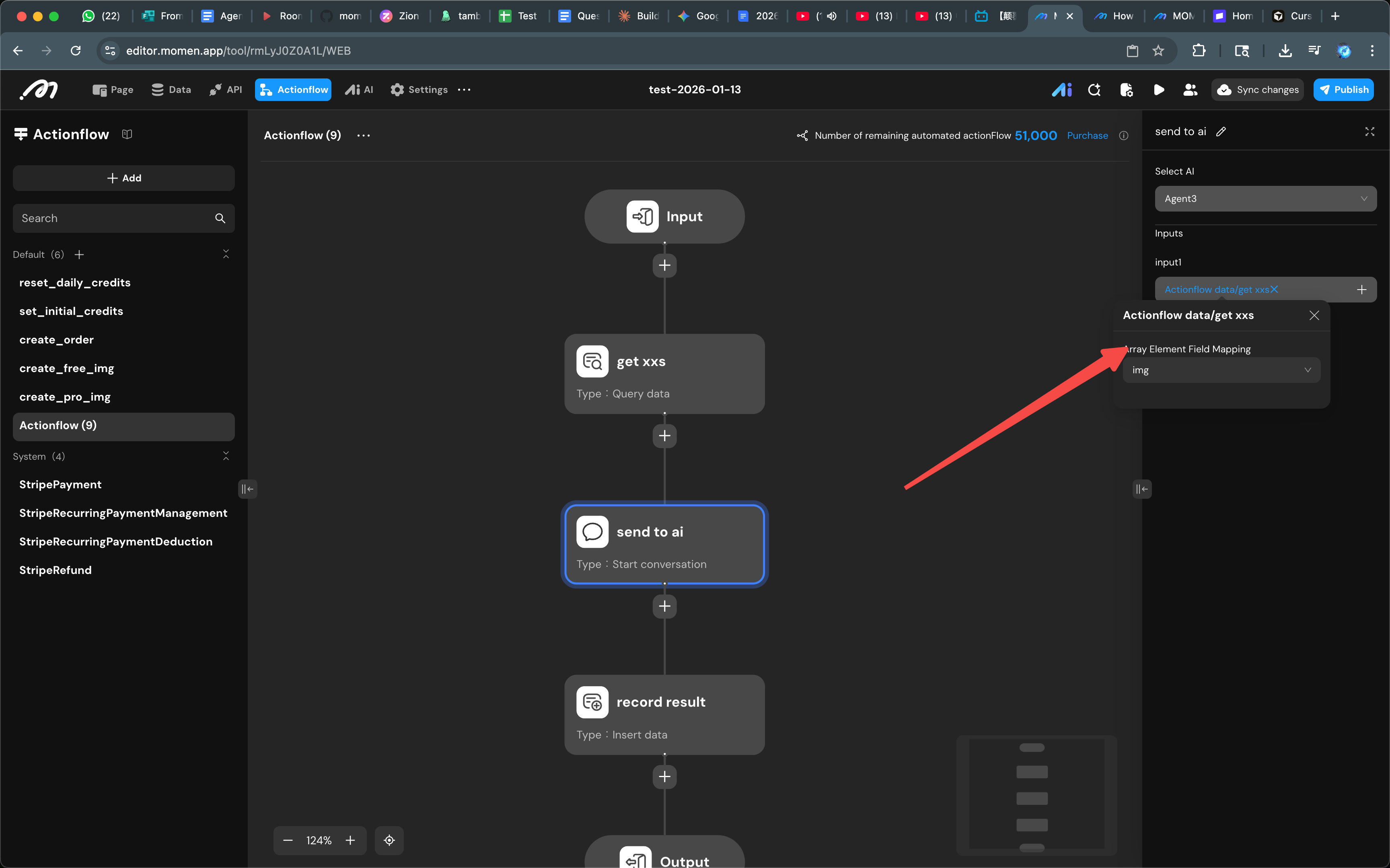
AI supports an array of images:
Actionflow doesn’t.
How to build an Actionflow to feed AI with multiple images?
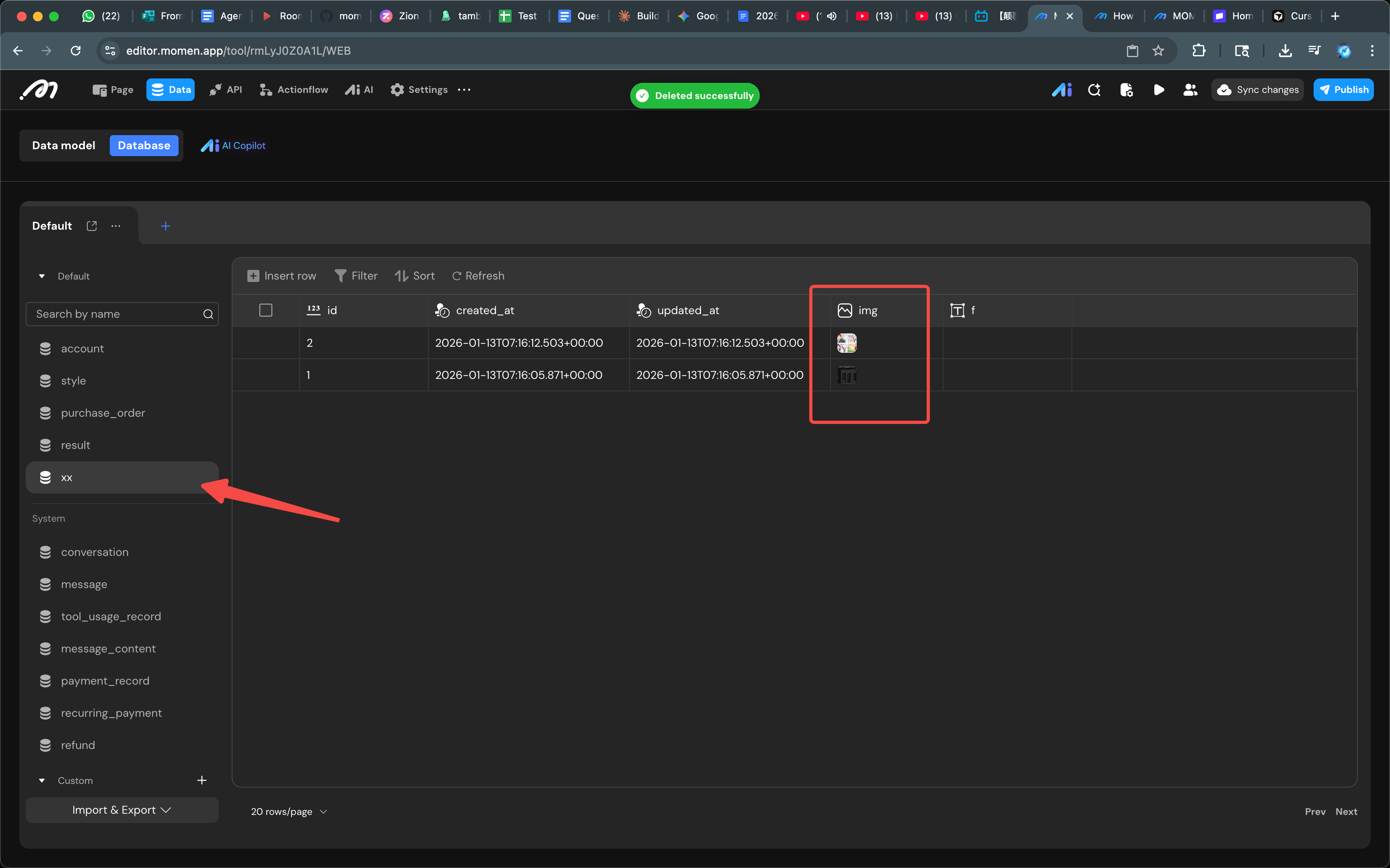
Can we upload multiple images from UI to db? Or we have to modify db directly (your screenshot looks like you uploaded images to db directly)?
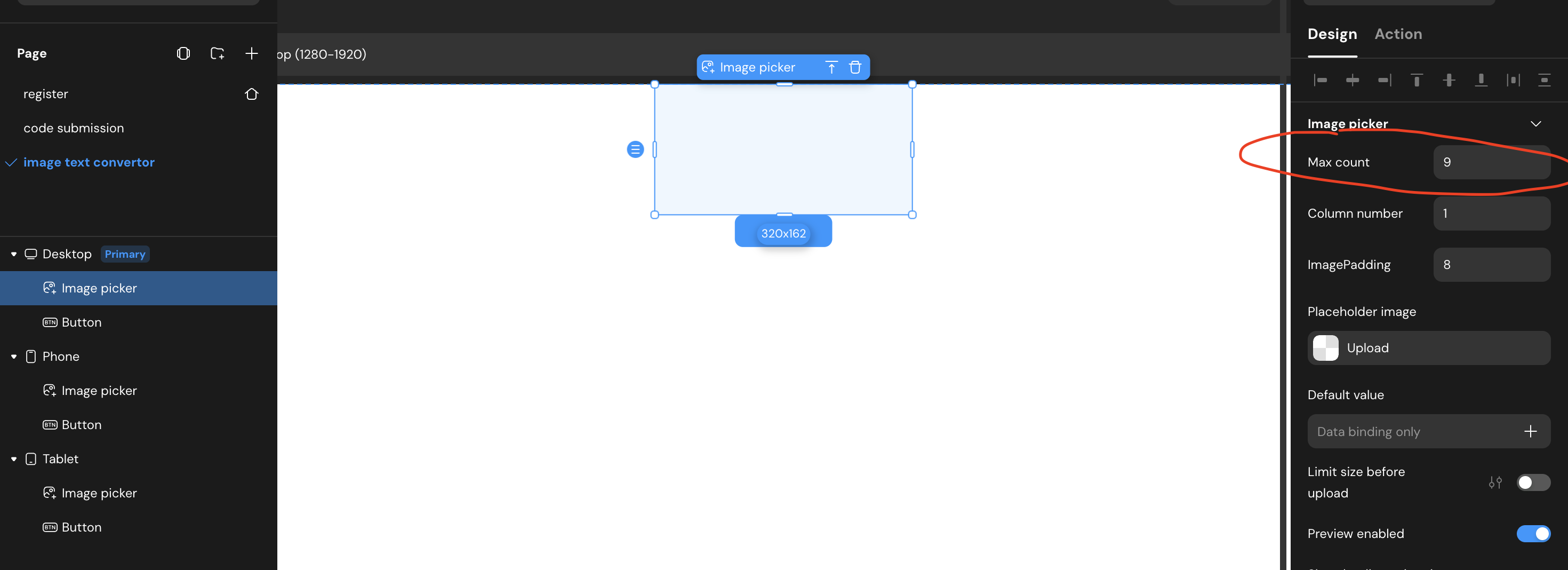
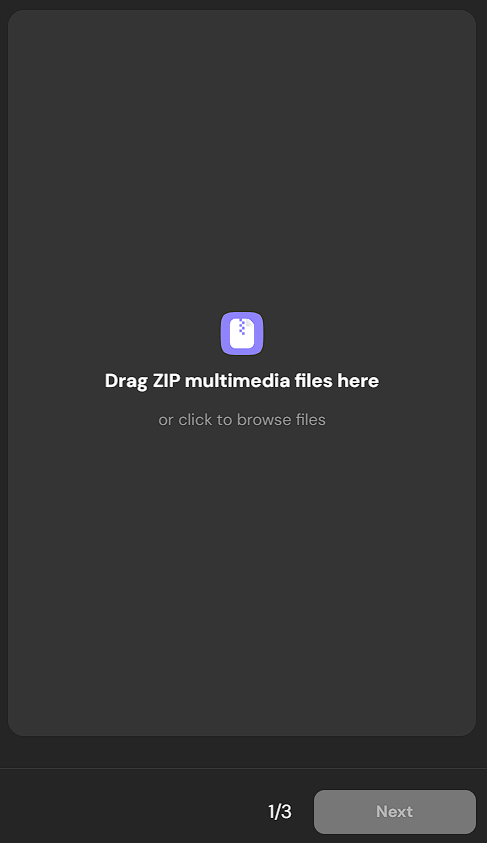
UI supports up to 9 image uploads:
Actionflow’s Input node doesn’t seem to support multiple images as input.
Apologies in advance, I am under the weather and my mind is not firing on all cylinders.
I might be wrong, but if there is not a direct solution, i think you can create a page variable (per image to upload to db) and upload 1 at a time.
So if you want to max the end user at 10 pics to upload then you would need 10 page variables.
One way I did this (with out doing the above is) -
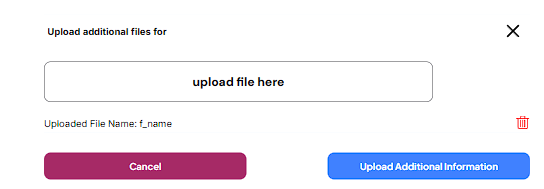
Since I could not figure out a way to do it in a manner that would make more sense (  ) I did this:
I had to create the document first before I could upload the file to it. So in this case, the document was created in the db via form and then I added the ability to add the “uploaded file” to it, if that makes any sense.
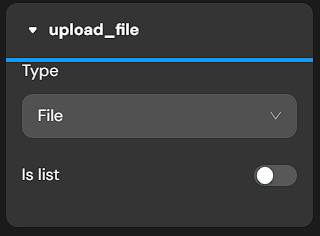
A) set a page variable “upload_file” (set to file type)
case 1 was “empty” and this view contained the image uploader input. On action of the upload input the page variable “upload file” is set and I switch the CV case to case 2 “uploaded file”
case 2 I have another CV with case 1 “uploaded file” which is a list with and list item text field that contains the file name and then I have an image of a red trash can that I use as an icon (because we don’t have an icon library). The icon deletes the uploaded file. I also have two buttons, one is to continue upload and one is Cancel - which deletes any uploaded files.
I have a one-to-many relationship between data tables “document” and “uploaded”
If any of my ramblings can be improved by anyone, please post/update
import / export in the database view
Thank you both! One for a nice UI and one for the easy database modification!
Just for clarification:
a) Only the app owners (i.e. “me”) can upload multiple files at a time, correct?
b) We can not configure our app to let end users do this, correct?
They can only upload file one at a time (and be accumulated in a page variabe list)
Or you can implement a code component.