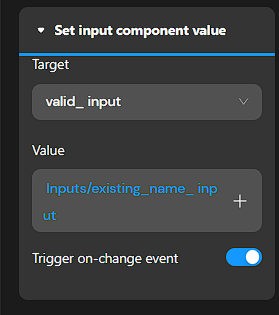
I don’t know if this is the best way or even the simplest to achieve this, but on “input 1” my desired UI is that the input is “invalid” until at least four letters/characters are typed in. When 4 or more letters than the input is “valid” and the value can be saved (via save button).
I don’t want the input value to ever be able to be empty and or less than 4 letters.
When valid (4 or more letters) the conditional view case switches to valid (check)
When I backspace/delete and there are 3 or less characters I want the input to be invalid and demonstrate to the user that this is incomplete.
Problem: when it switches from valid to invalid it still shows the 4 letters and not the 3 that made the case view switch.
There is video in the demo page:
Can someone please tell me what I forgot or am doing wrong (or if there is a better/simpler way ?
You can see I used a model for input two with the same condition but I wanted a quicker visual feedback to the user.
I see you problem.
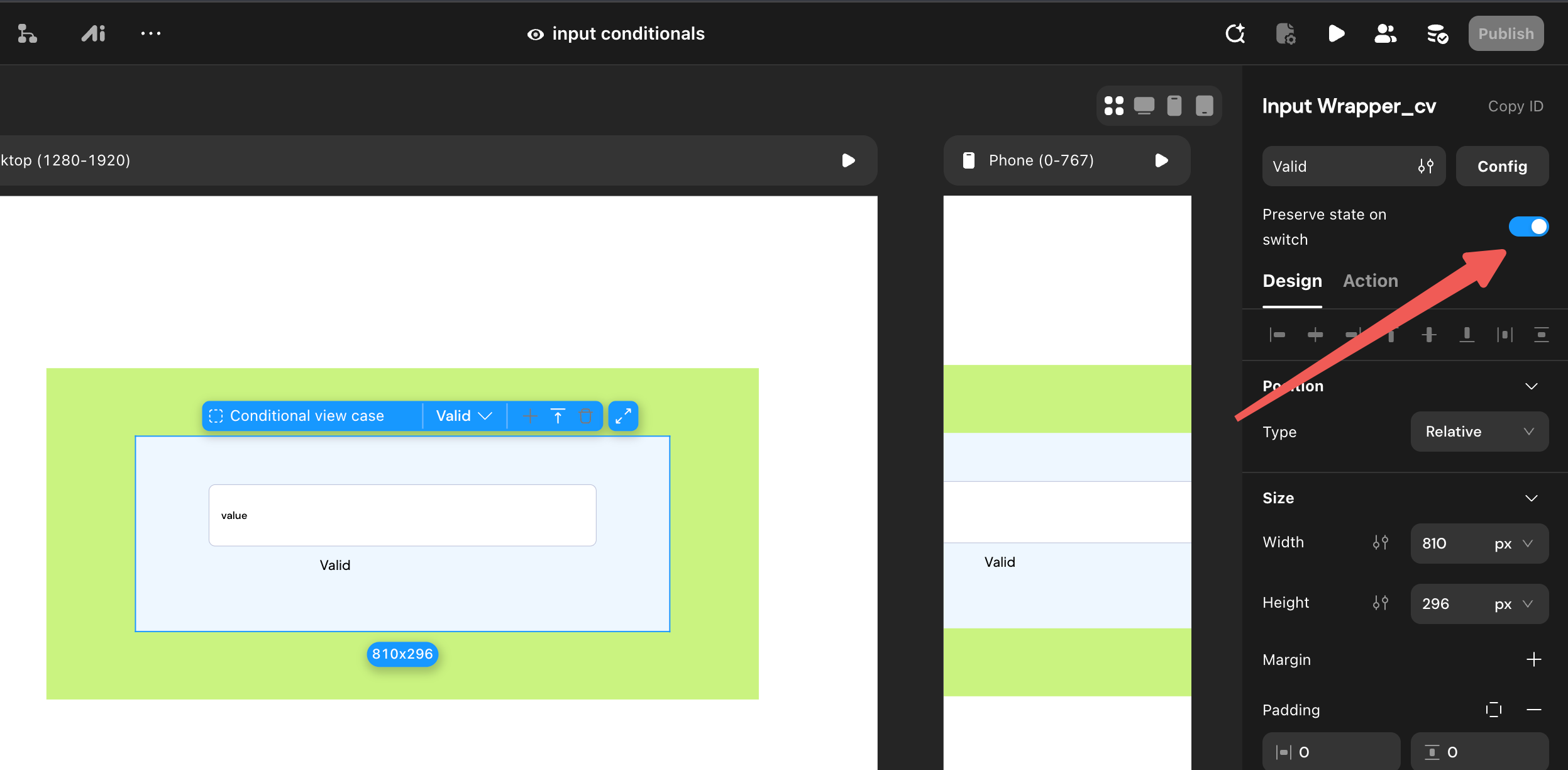
Inputs within two different conditional cases are different inputs.
I’ve updated the example, but it is a hack (i turned on focused for both inputs in both cases)
Thank You Sir, that is exactly what I was going for.
I don’t know if this is a bug or if I am still doing something wrong but I tried to do the exact same thing as your example and I can not get it to work correctly.
At least for me, once input goes valid (min 4 letters) and then I backspace it goes back to invalid but still has four letters. Then when I type it goes back to valid and only shows 3 letters.
Can you please tell take a look at my example and let me know if it’s a bug or if it’s me ?
On this update input I would like to be able to add an “S” on the end of the team name “Dodger”. When I type an “S” it switches a different case view with no “team name” value.
pretend the user wants to make an update in a profile page
if the input has a data source of the teams name and it was previously misspelled, the desired process would be that the user could just add an “s” to the already existing team name “Dodger” to then spell “Dodgers” .
But when I put mouse at end of the input value “Dodger” and press “s” - the input goes empty and I have to type the new value.
I was just wondering if there was an easy solution.

 Thank You !