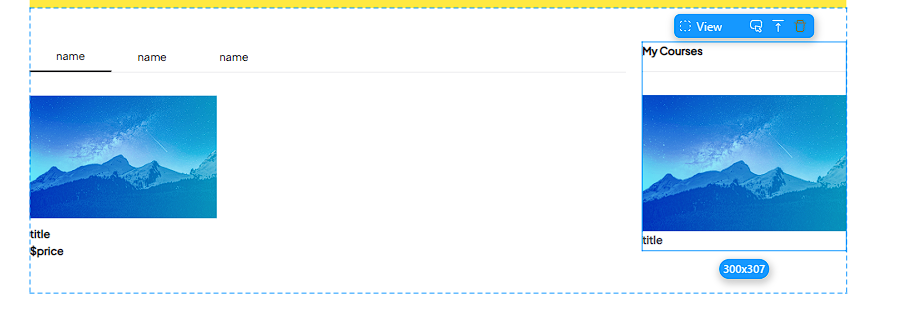
I have tried to figure this out and must be missing something easy… But I would like to do exactly what was done in the Udamy project example. On the home page I would like to:
( Please note this view would be on a separate page)
Use a select view (like one used for “category selector”) to only show categories of courses that the user has purchased.
Show all categories and if a user does not have any purchased content in a particular category then I would show a condition view like on the “empty” case in the my courses container"
I’m not sure if I fully understand your question, but I assume you want to display different styles when data exists versus when it doesn’t.
Assuming that’s the case, you need to create a data source in the page’s remote data that has the same filter conditions as the my courses list inside the condition view. The conditional view’s condition should then check if the purchased course exists by determining whether the count is greater than 0 (when limit is greater than 1) or whether the ID is empty/null (when limit equals 1).
Here is the link to my example project: MOMEN | Build web apps without code. You can refer to the project with ID mgj73cyt. I hope this helps, but please remember it’s only for reference as I don’t know how your project’s data model is designed.