Since, at the moment, we can not customize toast notifications:
Can we please have the ability to replace (Momen) system toast notifications with a modal? I have tried to use a modal as a notification for something (maybe user login is incorrect, or something - can’t remember) and had the modal show with the toast notification. I moved the Modal position up and the toast still showed in front of it. I might be doing something wrong but is there any work arounds for current setup?
Hello, you can use a conditional view to create a custom toast. First, you need a conditional view with one case set to hidden (in my setup, I use an absolute layout with size 0 for the “not show” case), and another case to display the toast.
Then, set the condition so that when the page variable toast_status is show, the toast appears, and when it’s not_show, it doesn’t appear. Also, set the default value of toast_status to not_show.
When clicking the button, first change toast_status to show so the toast is displayed. Then, start a scheduled task on the page, which changes toast_status to not_show after 3 seconds. This way, the toast automatically closes after 3 seconds.
All of my configuration can be found in the custom_toast page of this project for your reference:
Thanks, I will check it out. My problem was that toast notifications from Momen were over riding and showing up at the same time “in front” or “on top” of the modal display. I will try this out.
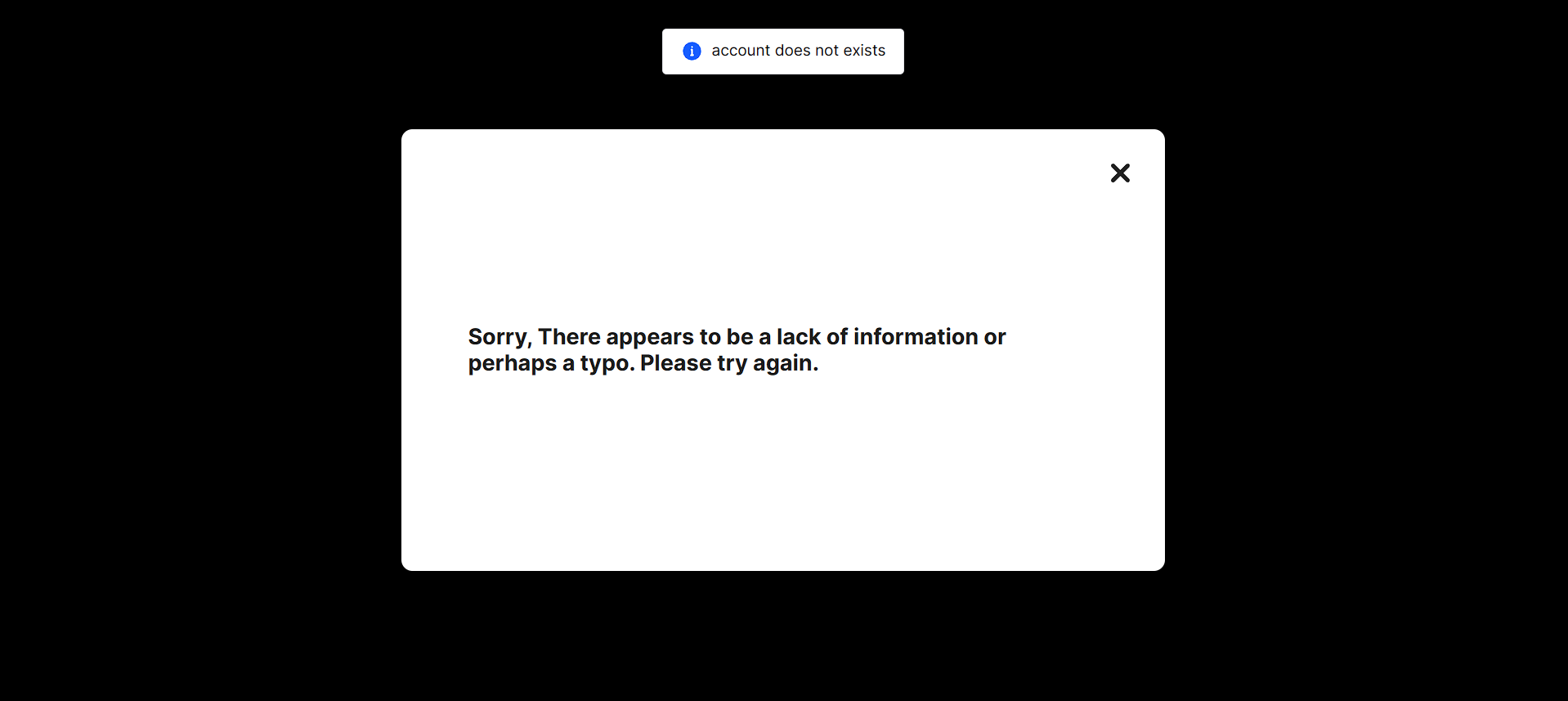
Here is a screen shot of what I was trying to explain. I have a modal blurring out the rest of the page. This is a when a user has bad credentials when logging in and essentially I want to show a custom “error message”. But above my modal you can see the system notification from Momen that I can’t even block out with blur or the modal its self.
Is there a way we can block that out or turn it off until we can stylize toast notifications?
The toast you saw was indeed caused by a system error when a certain request was sent. If you don’t want to see these, in theory you need to prevent such situations in advance. For example, if the error is “account does not exist”, the possible reason is that the account truly doesn’t exist. In that case, you could first check whether the account exists — if not, show your own modal; if it does, then proceed to the next step.
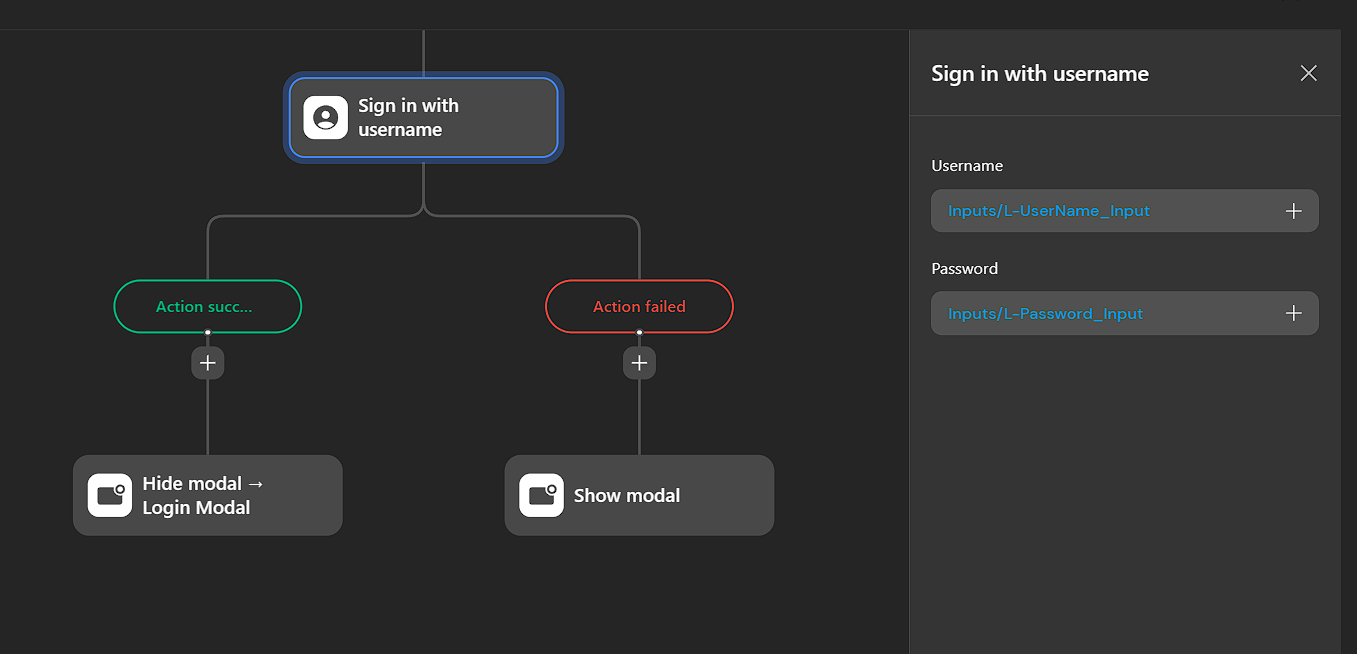
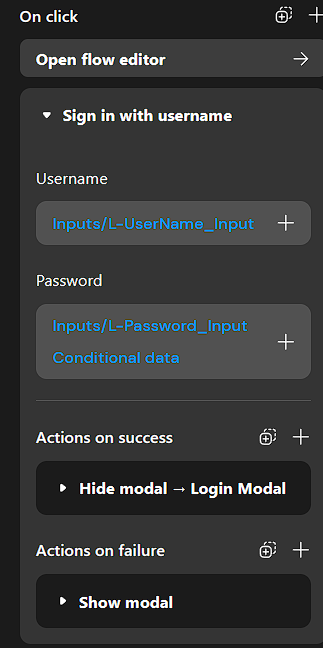
I thought maybe using conditionals on the Username and Password inputs (since it seems like you have to have a value to check against database to verify the existence of the user) but I am not seeing the logic necessary to do that once you click on the “+” on the right side of the input.
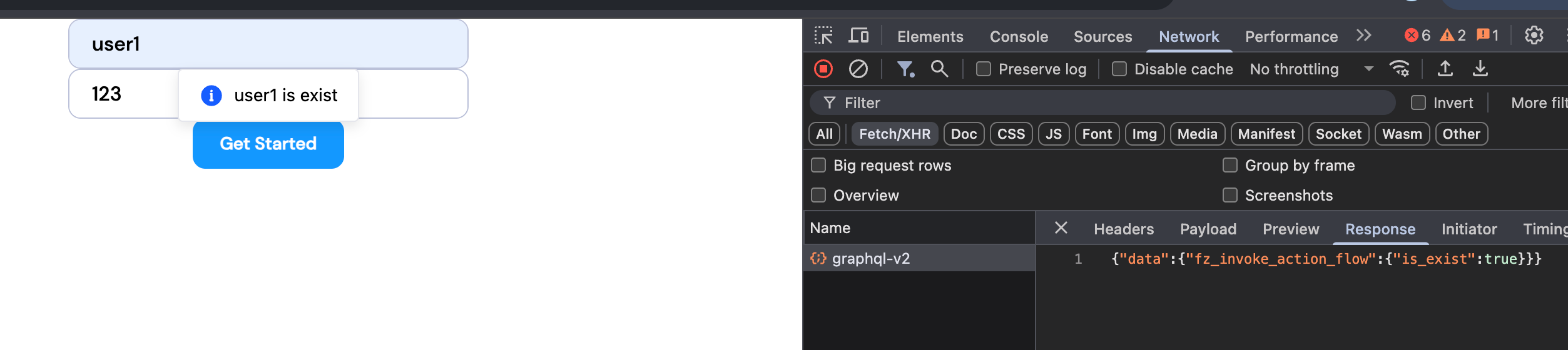
You can use an actionflow to check whether an account with a given username already exists, and then return a boolean value. Based on the actionflow’s result, you can decide what action to take. I created a demo in the check_account page of this project for your reference. MOMEN | Build web apps without code